
Managing Users
Astra features a simple user management system with three distinct user types, designed to cater to the needs of administrators, technical support, and end-users.
User Roles
Section titled “User Roles”In Astra, there are three main user roles, each with different levels of access and functionality:
- Admin: This role grants full access to manage and control Astra through both the Web-interface and API. Admins can view and modify all settings and configurations as needed
- Observer: This role allows read-only access to the web-interface dashboard and API. Observers can monitor the system but cannot make changes to the settings or configurations
- User: This regular user role is designed for controlling access to media content with built-in HTTP Authentication
User List
Section titled “User List”In the Astra web interface, you can access the users list by navigating to Settings → Users

The users list is presented as a table with the following fields:
- Login: unique username for each user
- Comment: any additional notes or comments about the user
- Type: role assigned to the user
- Created: date when the user account was created
When built-in HTTP authentication to control media access is turned on, additional fields will be available in the users list:
- IP: allowed device IP address for the user, from which access to media content is permitted
- Expiration: date until which the user account remains active
New User
Section titled “New User”To create a new user, open the Users list by navigating to Settings → Users. Click the “New User” button located at the top of the list.
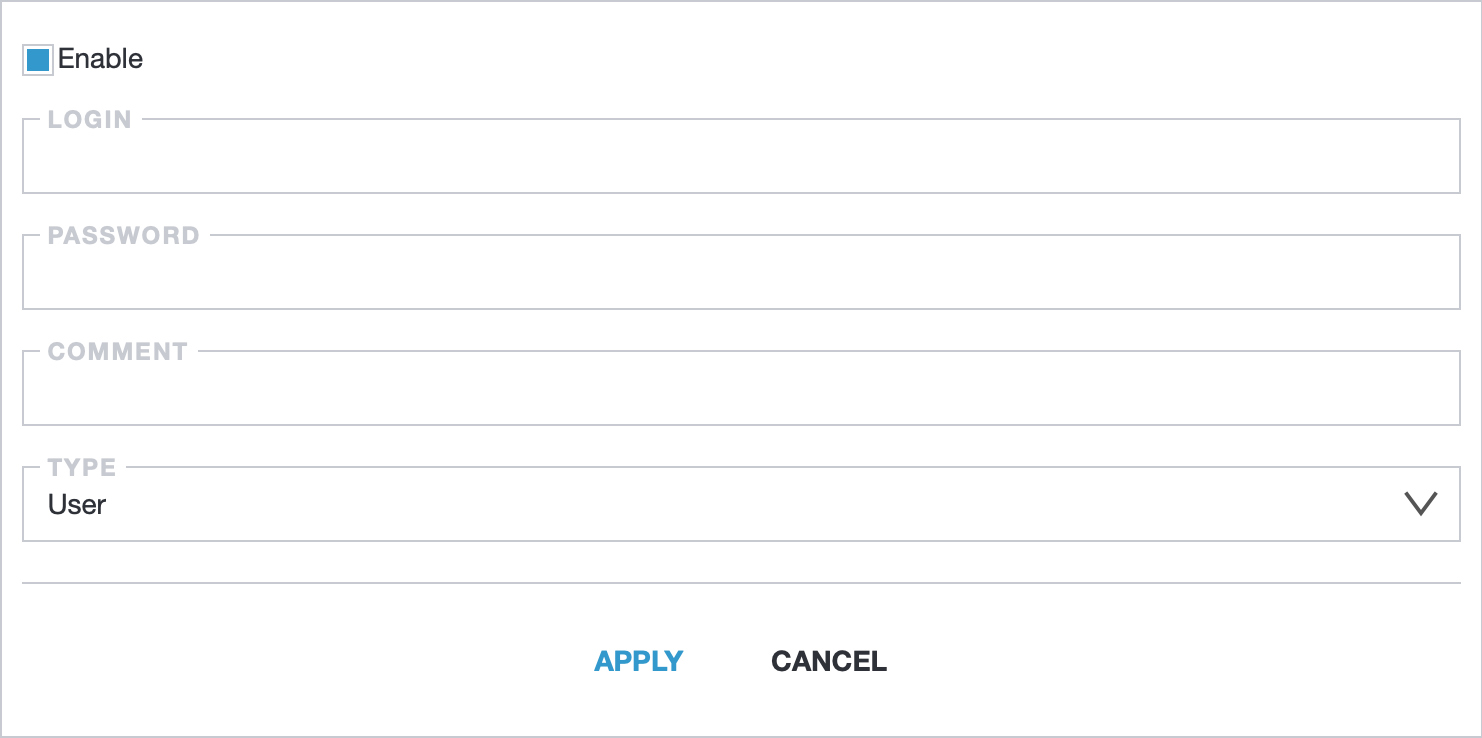
When creating a new user, you will need to fill in the following fields:
- Enable: user is enabled by the default
- Login: unique username
- Password: optionally, set a password for the account
- Comment: optionally, add any additional notes or comments about the user
- Type: appropriate user type
Built-in HTTP Authentication
Section titled “Built-in HTTP Authentication”Built-in HTTP authentication in Astra helps control access to the provided media content. You can enable this feature by navigating to Settings → HTTP Authentication in the Astra web interface.
When HTTP Authentication is active, the user options include additional optional fields:
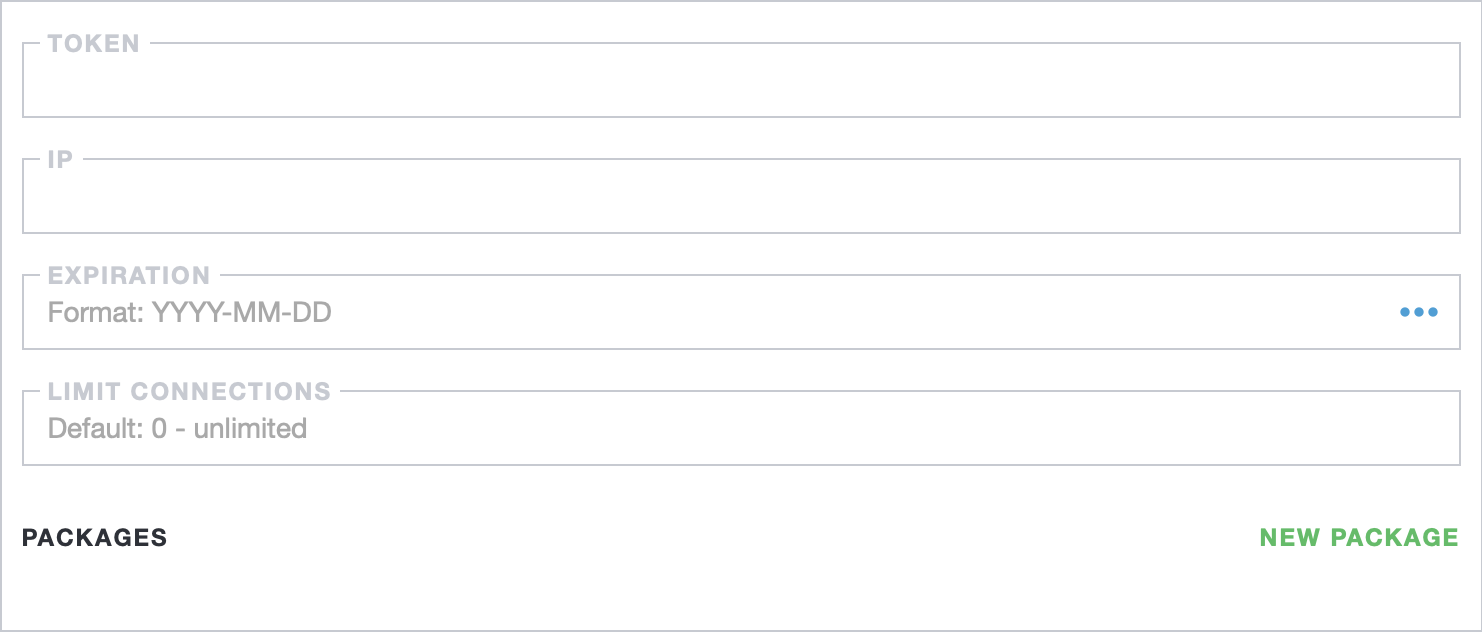
- Token: static secret, typically used to grant access to other servers, such as transcoders or other media streamers. The token is simply appended to the channel address, like:
http://example.com/channel-id/index.m3u8?token=secret - IP: static IP address for the device that is allowed access. By default, any IP is allowed.
- Expiration: date until which the user account remains active. By default, there is no time limit for the account.
- Limit connections: number of simultaneous connections allowed for the user. By default, there are no connection limits.
- Packages: click “New Package” to add a channel category to the user. The user will only have access to channels related to the specified category. New categories can be created in Settings → Groups. By default, all channels are available to the user.
Read more about Built-in Users Authentication and other HTTP Authentication options.