
Logs in Astra
Logs help you troubleshoot streaming issues, monitor service health, and understand what happens with your streams. Astra groups log messages by severity:
- error: Critical problems that stop stream input or break functionality
- warning: Stream issues that might affect playback quality or cause problems
- info: Normal service events like startup, shutdown, version information, or stream activation
- debug: Detailed technical information about stream processing. Disabled by default. Enable in log settings or with
--debugcommand line option - HTTP Access Log: Records all requests to Astra’s HTTP server in a separate file
Web Interface
Section titled “Web Interface”Open logs in the web interface by clicking Log in the main menu:
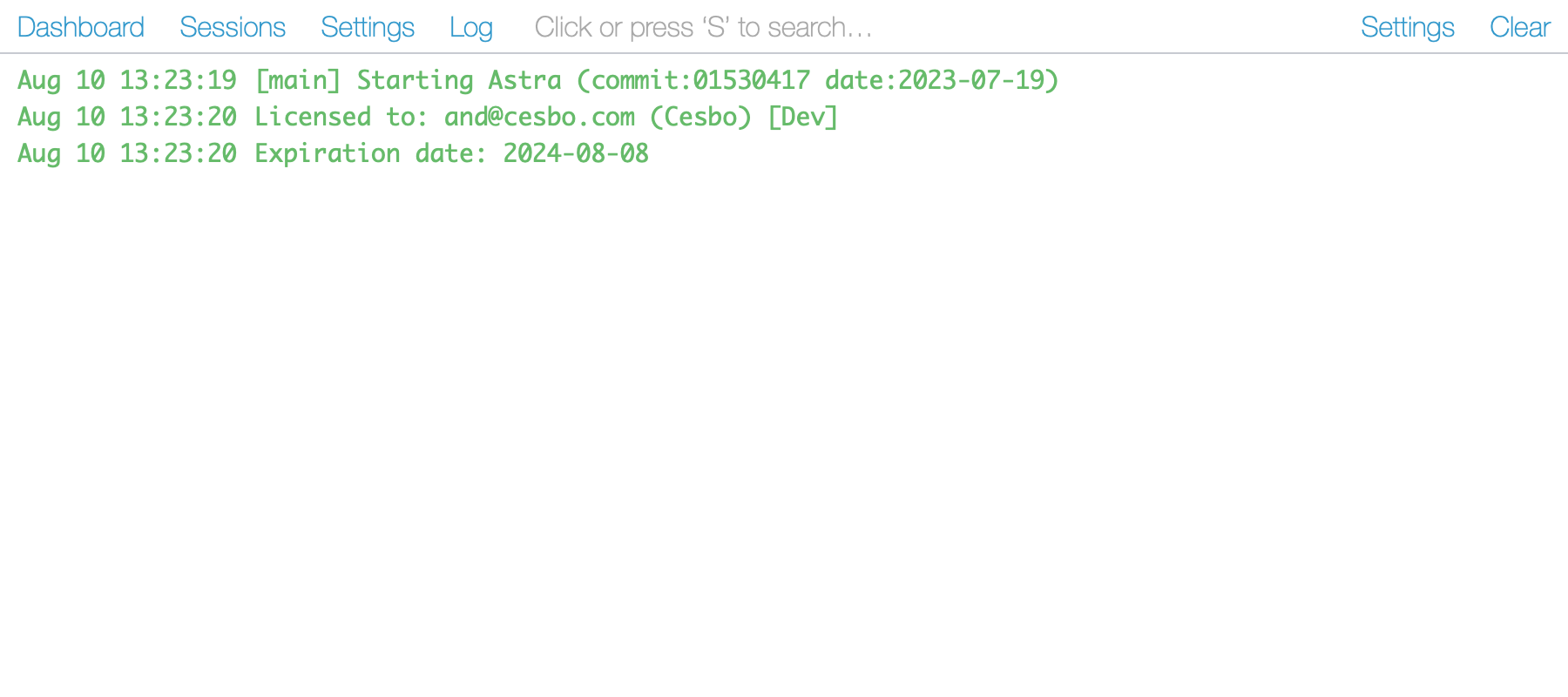
- Search: Filter messages to find specific errors or events quickly
- Settings: Control what information gets logged
- Clear: Remove messages from view. Actual log files on the server are not affected
Log Settings
Section titled “Log Settings”Change what gets logged in Log → Settings:
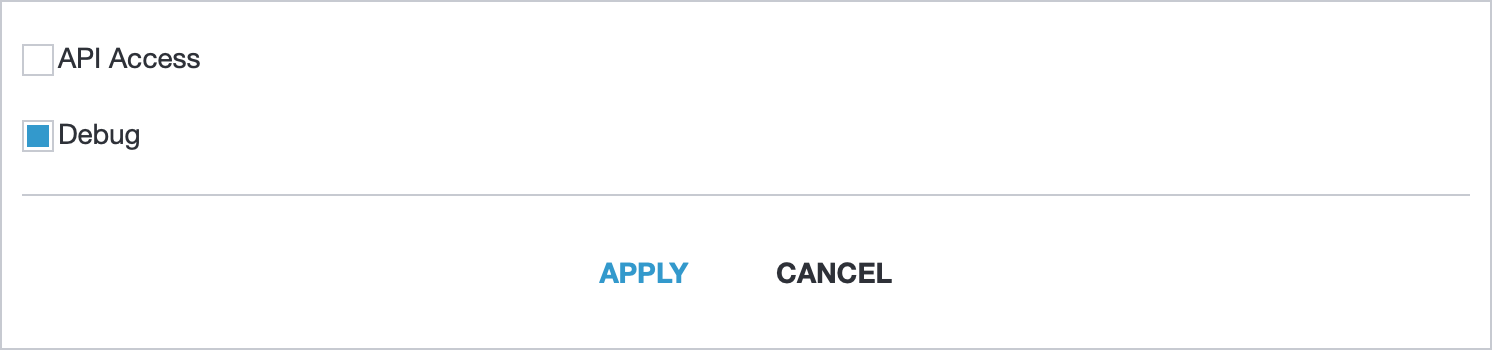
- API Access: Record every API request to track who makes changes to your service
- Debug: Record detailed technical information about stream processing to diagnose complex issues
Log File Location
Section titled “Log File Location”Where Astra writes logs depends on how you started the service:
- Standard service setup with
astra init: logs go to/var/log/astra.log - Custom service setup with
astra init <port> <service>: logs go to/var/log/<service>.log - Console mode: logs appear only in the console output
Log Rotation
Section titled “Log Rotation”Astra manages log file size automatically. When a log file reaches 2MB, Astra creates a new file and keeps one previous version as backup.
Common Messages
Section titled “Common Messages”You may find these articles helpful for understanding common log messages:
- ERROR: CC - packets loss or excess in MPEG-TS streams
- ERROR: PES - corrupted PES packets in MPEG-TS streams