
TLS certificate for HTTPS
TLS certificate is required to enable HTTPS for the Astra web interface and media delivery. The certificate is used to encrypt the data transmitted between the server and the client, ensuring secure communication.
Configuration
Section titled “Configuration”You can obtain a TLS certificate with acme.sh for free.
In the Astra web interface, navigate to Settings → General → HTTP Server and set paths to the certificate and private key files.
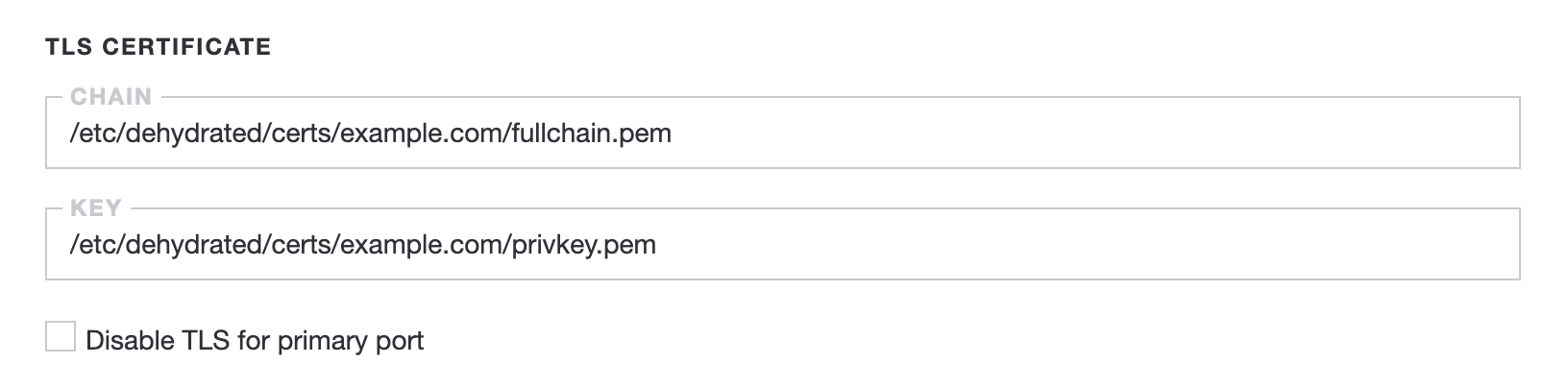
The option Disable TLS for primary port allows you to disable HTTPS for web interface and API.
HTTP Play
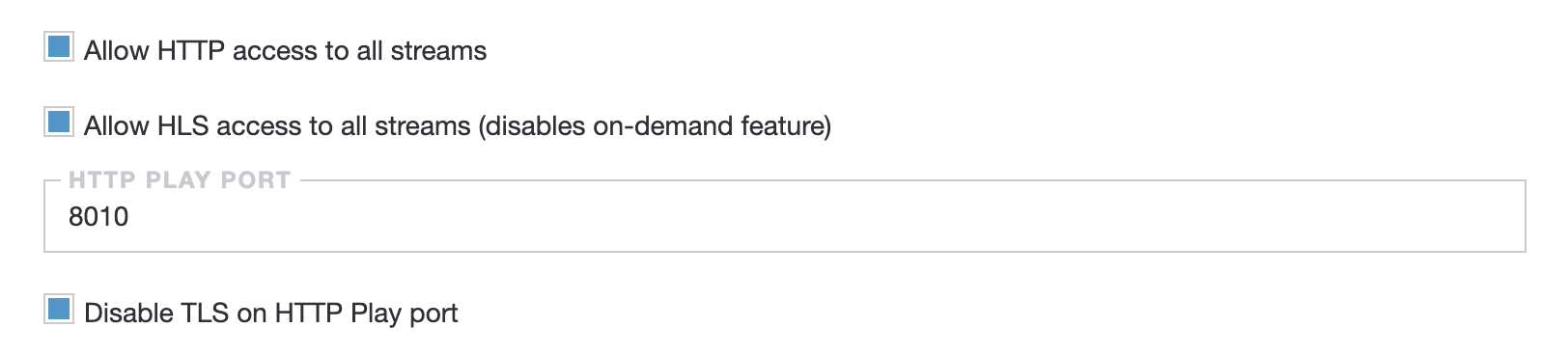
Section titled “HTTP Play”Once you turn on HTTPS, it will be enabled for the HTTP Play as well. To disable HTTPS for HTTP Play, you can use the option Disable TLS on HTTP Play port in the Settings → HTTP Play.
Output settings
Section titled “Output settings”If you configure HTTP manually, you can use https://0:443/custom-path as the output URL.